Most marketing teams are still using AI one prompt at a time. Open a tab, ask a question, copy the answer, paste it into a doc, repeat. The bottleneck never moves — analysts wait on data, content teams wait on briefs, leadership waits on decks.
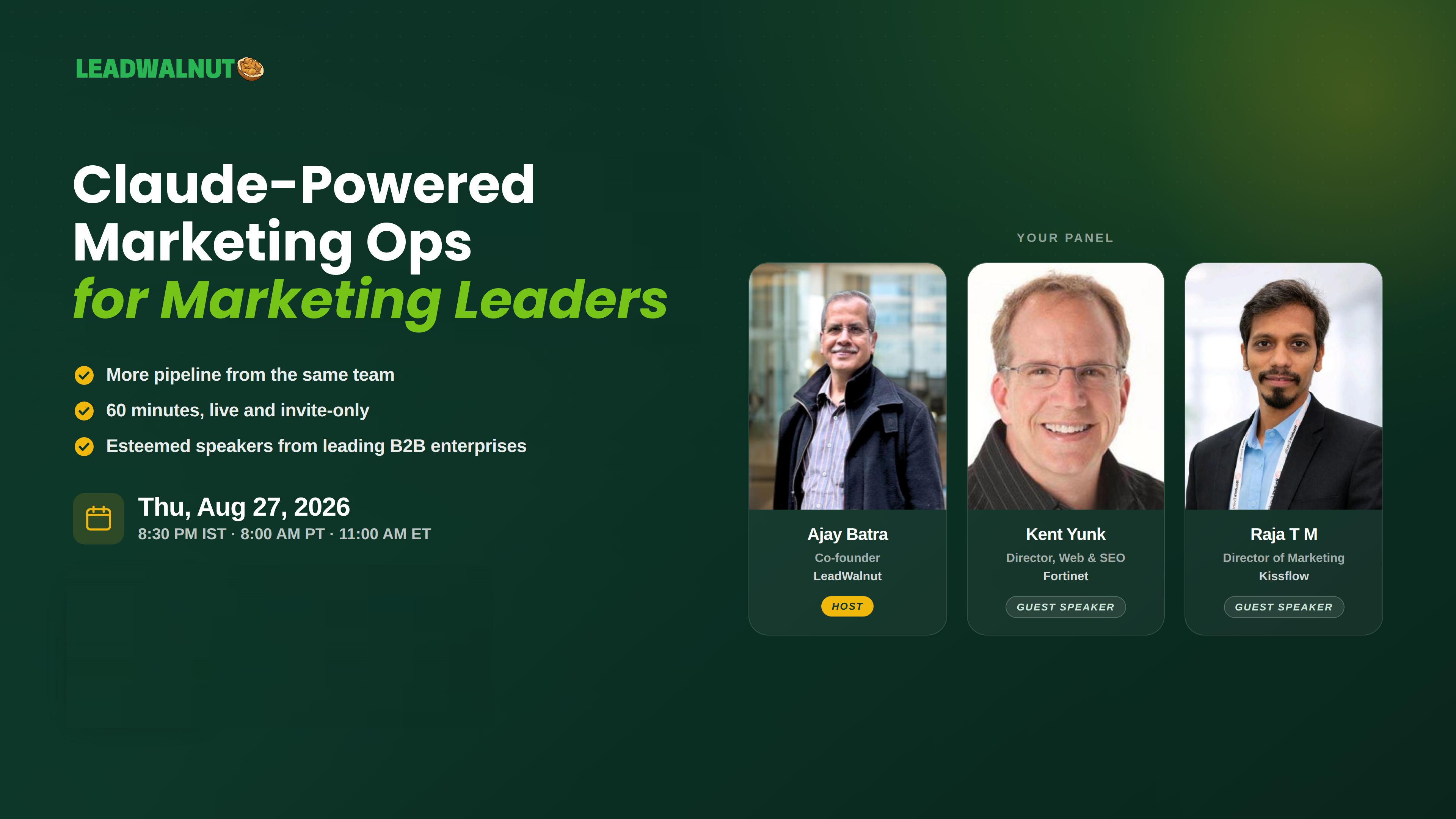
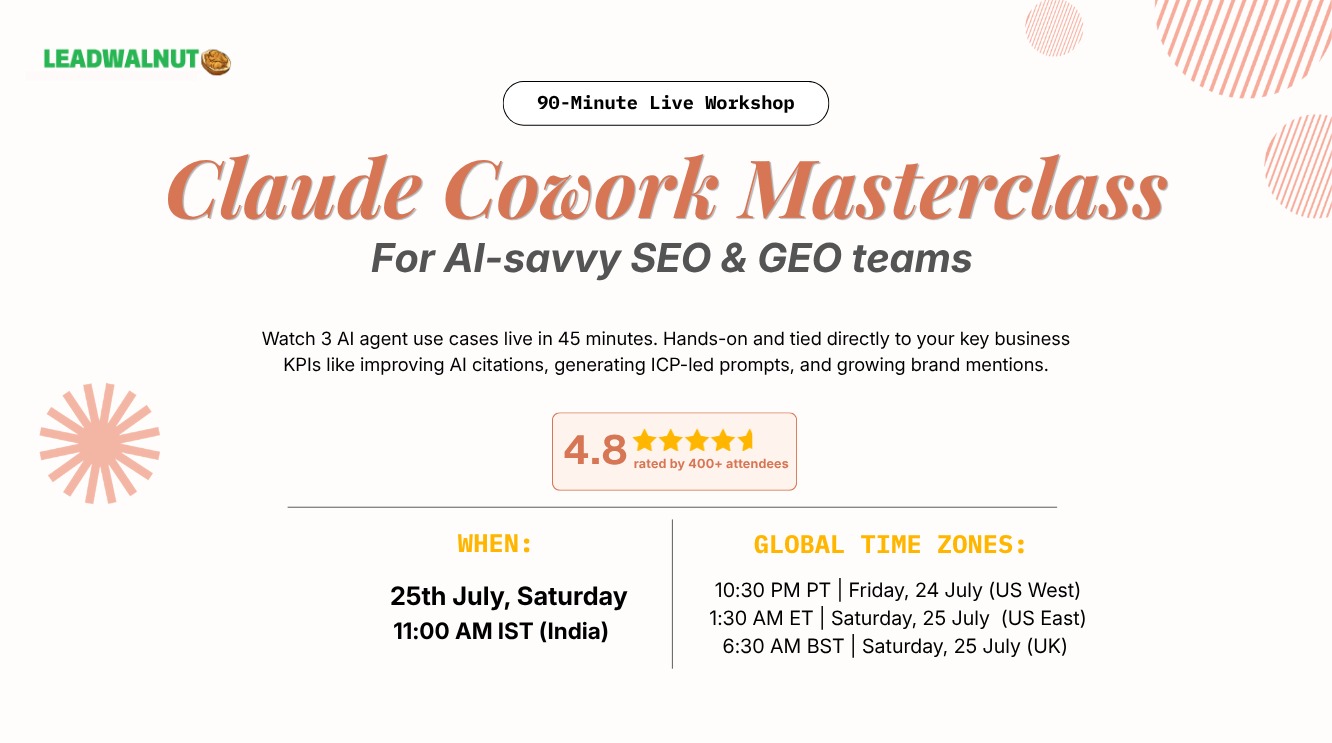
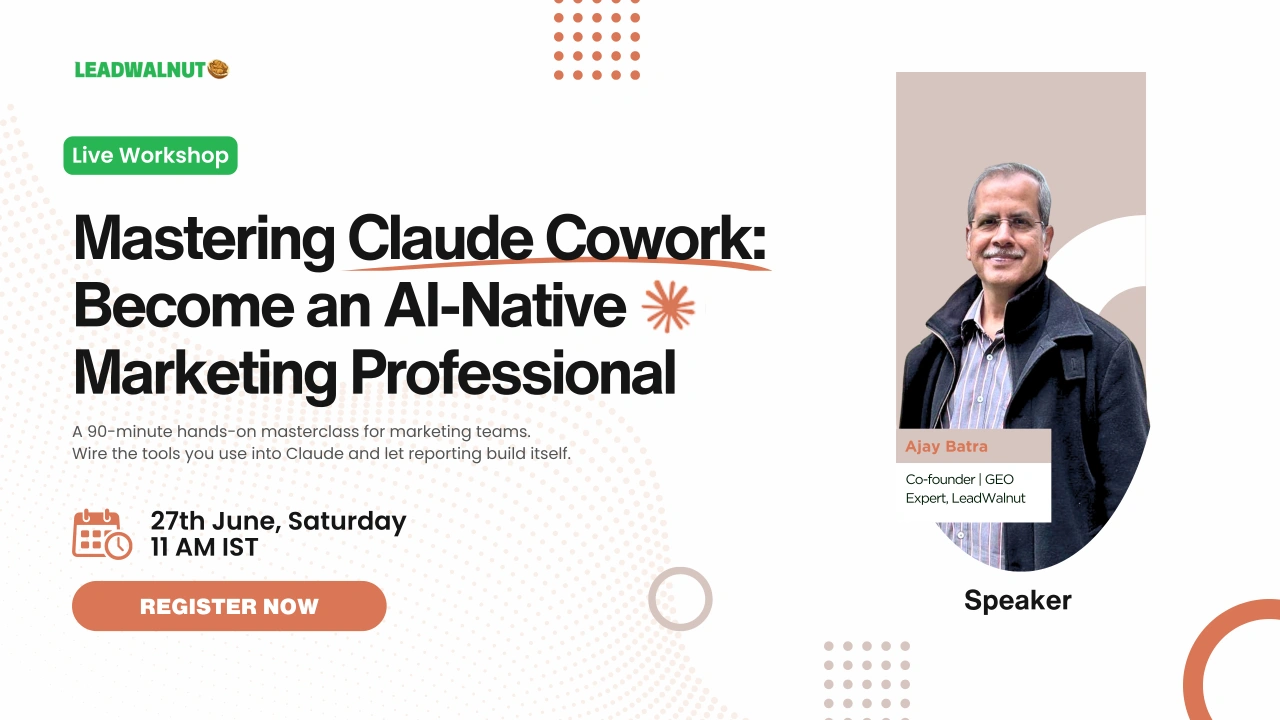
This 90-minute workshop, hosted by LeadWalnut, shows what changes when AI is plugged directly into the tools marketing teams already work with — GA4, Search Console, Ahrefs, Gmail, meeting notes, and the CMS. Zero slides. Three live demos on real data.
Built for marketing teams that want to move from chatting with AI to working with it.
What's Covered
Why Cowork now: the shift from chat to agentic AI
The session opens with a clear breakdown of why prompt-by-prompt AI use has hit its ceiling for marketing teams. Chat-based AI keeps the human as the integration layer — pulling data, formatting outputs, pasting between tools, re-prompting for context. Agentic AI reads files, calls APIs, runs multi-step workflows, schedules itself, and remembers what the team does. The difference shows up most clearly in the time it takes to go from raw data to a decision.
The LeadWalnut Agent Building Framework
Every agent shipped to clients follows the same shape: structured input, locked process, structured output, feedback loop, and guardrails. The framework is shown in detail, with a sample sheet walking through how the same components get reused across content coverage, QBR generation, and team analysis.
Demo 1 — Content Coverage: Skill + Connector
The first demo shows how a reusable Skill, paired with the Ahrefs and Search Console Connectors, runs a full content coverage analysis in one go. Cowork takes a site URL plus a category, crawls the site and three to five competitors, classifies content into ToFu/MoFu/BoFu, maps sub-topics and themes, builds a gap matrix, and prioritizes the top six wins. The output is a leadership-ready coverage report — funnel split, gap matrix, content inventory, and prioritized actions. The same Skill can be re-run by anyone on the team with a different site URL and category, producing the same shape of output every time. That is the point of a Skill — write it once, your whole team uses it forever.
Demo 2 — QBR Decks in Minutes, Not Days: Dispatch
The second demo shows the Dispatch capability in action. Three data sources — Ahrefs for rankings and competitor movement, GA4 for traffic and conversions, Search Console for queries and page-level performance — are synthesized through a QBR Skill and dispatched directly to email, Slack, or Drive in a single command. The deck includes an executive summary, channel performance, keyword movement, competitor delta, and next-quarter actions. No exporting, no slide-building, no routing through reviewers. Dispatch is what turns a Cowork run from an output sitting in a chat window into a deliverable already in the right inbox.
Demo 3 — Team Productivity Signals from Meeting Notes: Schedule
The third demo shows the Schedule capability — a workflow that runs every Friday at 4pm with zero manual prompting. Cowork ingests the week's meeting transcripts from Fathom, Gong, Otter, Fireflies, and Gemini, then produces three outputs: opportunity signals showing which roles need strengthening, a capability map showing who can do what across the team, and execution readiness signals flagging workload pressure and delivery risk. The schedule fires on its own — no one has to remember to run it. The use case applies to agency teams, in-house teams, and any function with recurring meeting cadence.
The Cowork toolkit: Dispatch, Schedule, Skills, Templates
A breakdown of the four building blocks that make Cowork repeatable across a team. Dispatch sends outputs to teammates or tools with one command. Schedule runs reports on auto-pilot. Skills are reusable named workflows. Templates are plug-and-play prompts for the ten most common marketing workflows.
Who Should Watch
- CMOs and Heads of Marketing who need monthly performance updates and QBR decks built from live data instead of static spreadsheets
- SEO and Web Directors looking at top-performing page insights and competitive benchmarking across keyword sets
- SEO and Digital Marketing Managers running real-time content gap analysis and keyword prioritization
- Content Specialists turning client feedback into briefs and case studies without the manual stitching
- SEO Analysts automating GA4, GSC, and Ahrefs reporting and replicating what's already working