E-E-A-T (Experience, Expertise, Authoritativeness, Trustworthiness) is not a single Google “score,” but it is a real evaluation framework used in Google’s Search Quality Rater Guidelines and reinforced by “helpful, reliable, people-first content” guidance.
That’s why “E-E-A-T calculators” have become popular: they turn the trust signals behind E-E-A-T (authorship, citations, schema, site proof, policies, reviews, freshness) into an audit-friendly checklist and a benchmark score.
This guide compares the top E-E-A-T calculators & audit tools using one consistent test URL, then explains what each tool gets right, what to watch out for, and how to choose a calculator that matches SEO and AI visibility needs.
Test method used for all tools
To keep results comparable, each tool was tested using the same page wherever possible:
- Test page: Fortinet’s glossary article “What is Cybersecurity?” (page-level tests)
- Test domain: Fortinet.com (domain-level tests)
Quick ranking snapshot: which tools felt the most usable
These tools stood out because they
(a) generate a clear E-E-A-T score,
(b) show pillar breakdowns &
(c) provide actionable gaps - not just generic advice.
Top tier: strongest “calculator + audit” experience
- LeadWalnut E-E-A-T Score Checker (free)
- SEOwind E-E-A-T Score Checker (free → upgrade for deeper workflow)
- Nuwtonic E-E-A-T Audit Tool (free)
Useful, but more limited (site-only / no leadership summary / manual scoring)
- Outline Ninja (site trust signals checklist style)
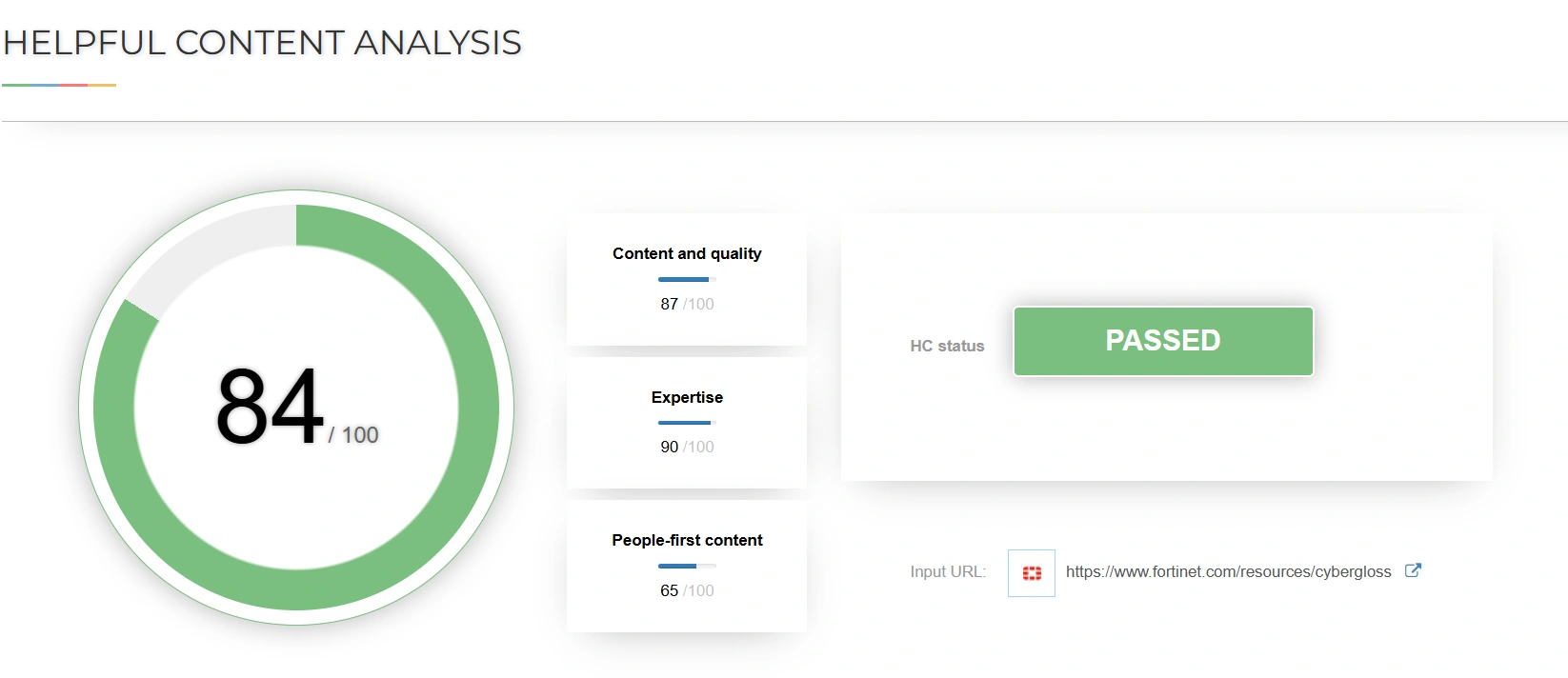
- SEO Review Tools Helpful Content Analysis (scoring + pass/fail, but limited executive summary)
- Kia Ora Digital E-E-A-T checker (long, generic report formatting)
- Insites free E-E-A-T audit (lead capture heavy; limited transparency)
- Milestone E-A-T estimator (manual inputs, unclear applicability)
- WordsAtScale estimator (self-assessment, no validation)
1. LeadWalnut E-E-A-T Score Checker (Free)
Tool URL: https://www.leadwalnut.com/tools/eeat-score-checker
What it does
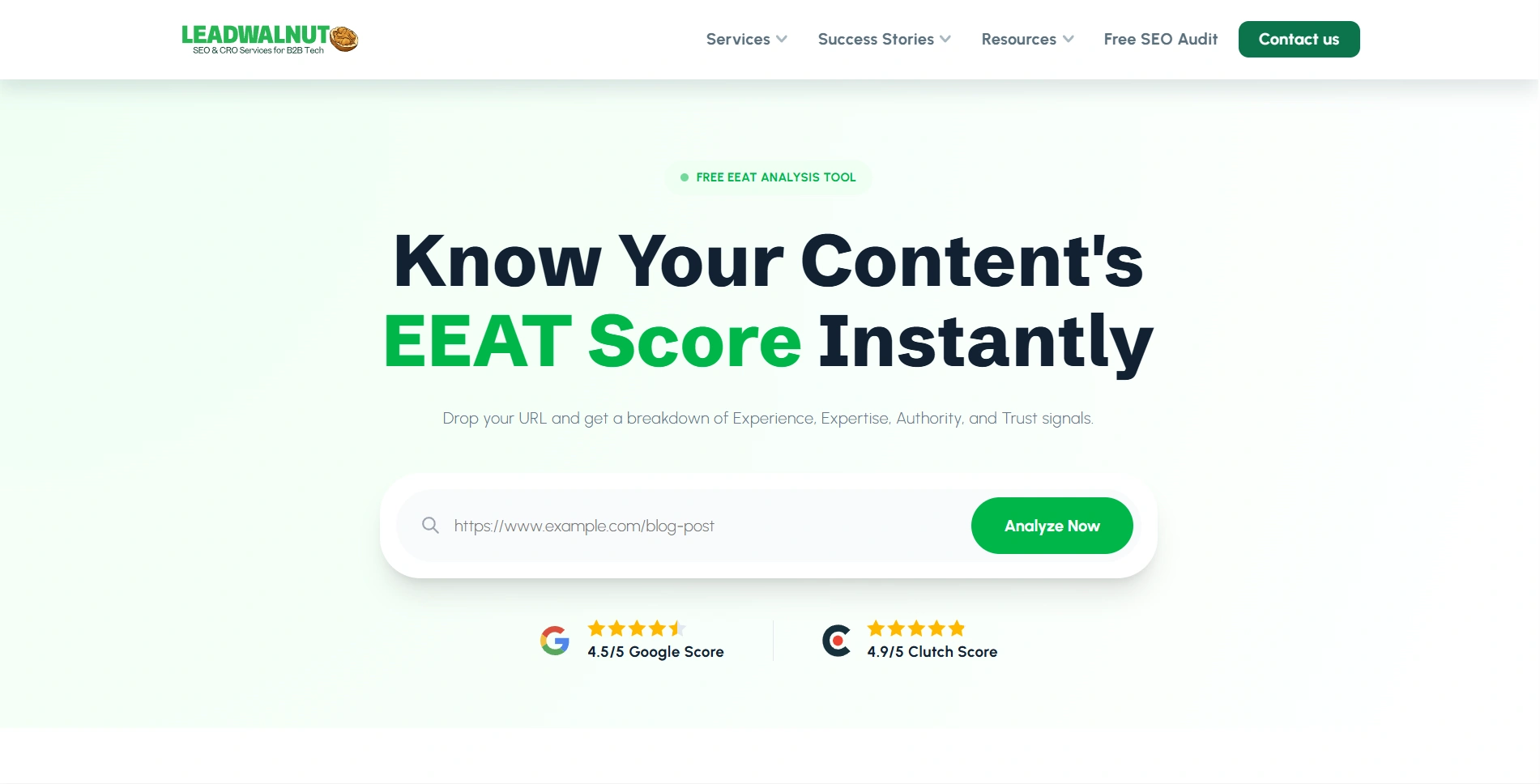
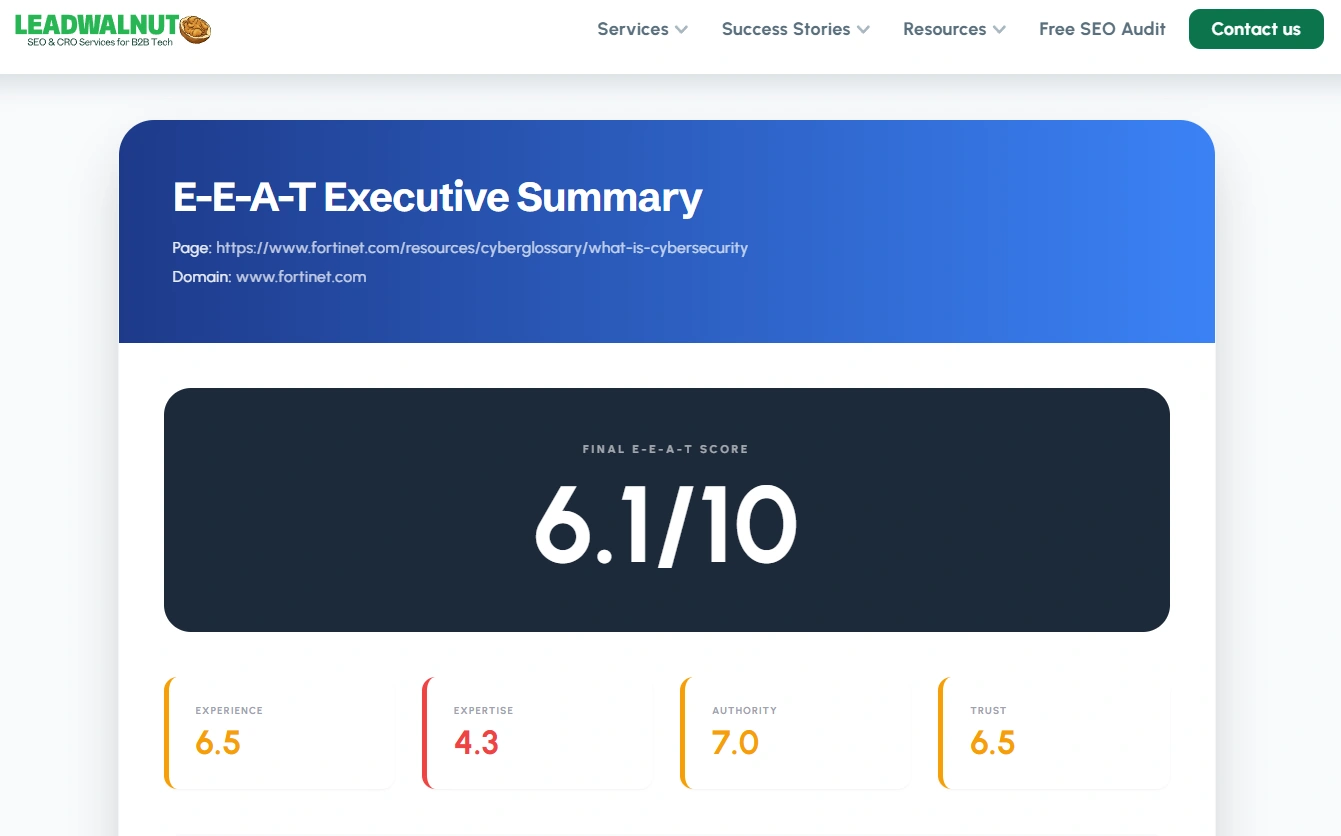
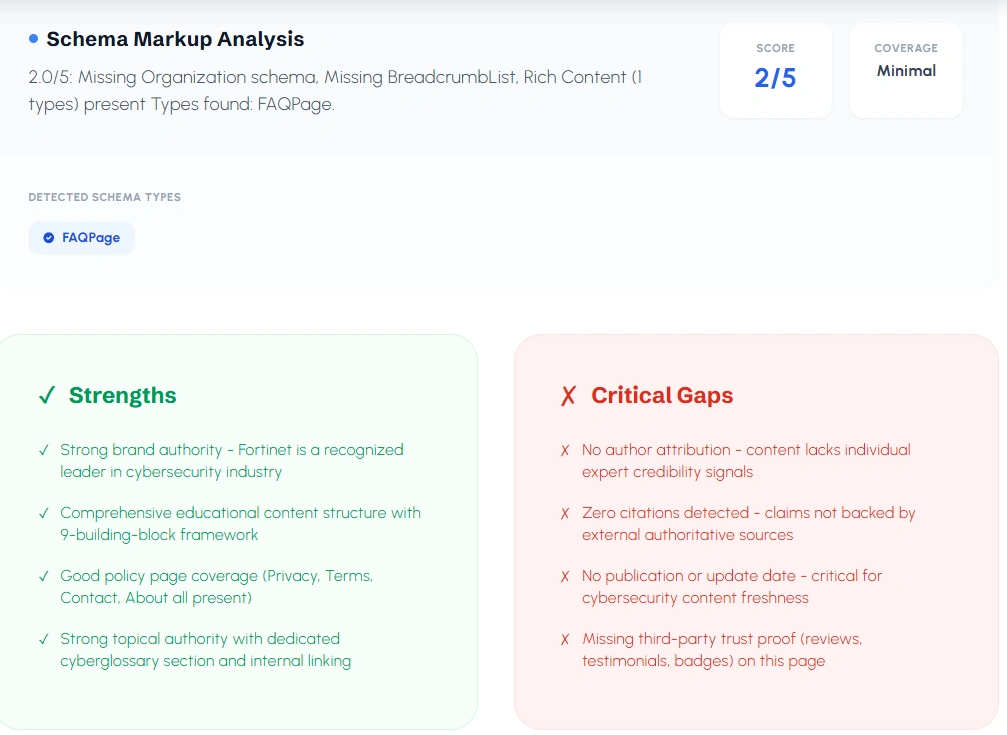
LeadWalnut’s calculator generates a leadership-ready E-E-A-T report from a single URL:
- Final E-E-A-T score + pillar scores (Experience, Expertise, Authority, Trust)
- Page-level schema markup summary
- “Strengths” vs “Critical gaps” with priority-style fixes
- Option to receive a detailed report via email (useful for sharing internally)
What stood out in testing
- The output is structured like an executive summary, not just a raw checklist.
- The gap explanations are easier to translate into on-page action items (authorship, citations, freshness, third-party proof, schema completeness).
- A strong fit for teams that need a quick audit artifact to share with SEO leadership, marketing heads, or stakeholders.
Pros
- Clear score + pillar breakdown + prioritized gaps
- Includes both content signals and trust-site signals (via summary + checks)
- Shareable reporting flow
Cons
- Email delivery step may be an extra hop for some teams (but helpful for report distribution)
Clutch Rating:

Tool Screenshots:
2. SEOwind E-E-A-T Score Checker (Free → upgrade for deeper workflow)
Tool URL: https://seowind.io/eeat-score-checker/
What it does
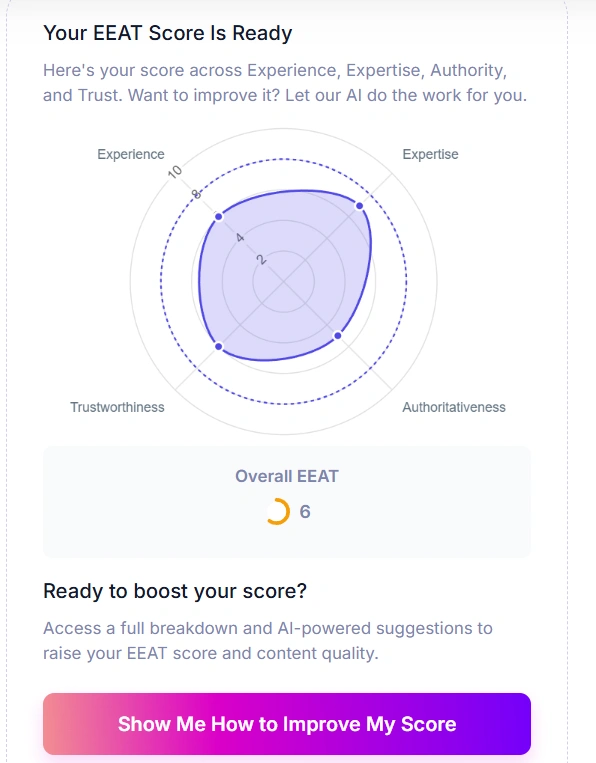
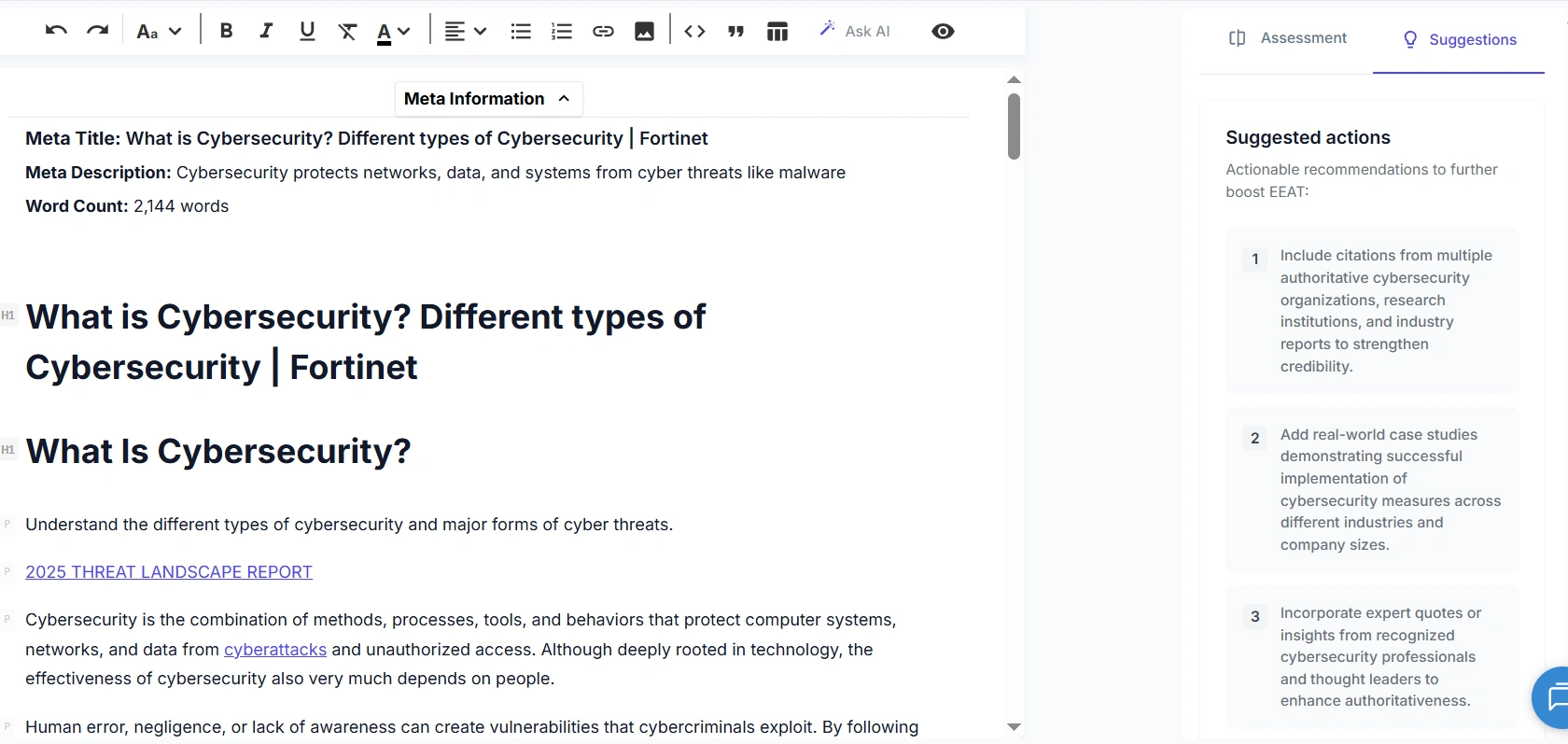
SEOwind provides a URL-based E-E-A-T score with a visual pillar breakdown (radar chart style). The free experience shows a score; a deeper workflow (“how to improve”) pushes into an editor-like environment.
What stood out in testing
- Strong for content-level checks (page focus), but less for site-wide trust signals.
- The improvement flow can feel “execution-oriented” because it drops into editing workflows rather than summarizing outcomes for leadership.
Pros
- Simple URL input and fast scoring
- Clear pillar visualization
- Natural path into content refinement workflows
Cons
- Improvement details require signup / deeper product flow
- Less emphasis on site-level trust proof (policies, org proof, etc.) compared with site scanners
Clutch Rating:
Not listed on Clutch
Tool Screenshots:
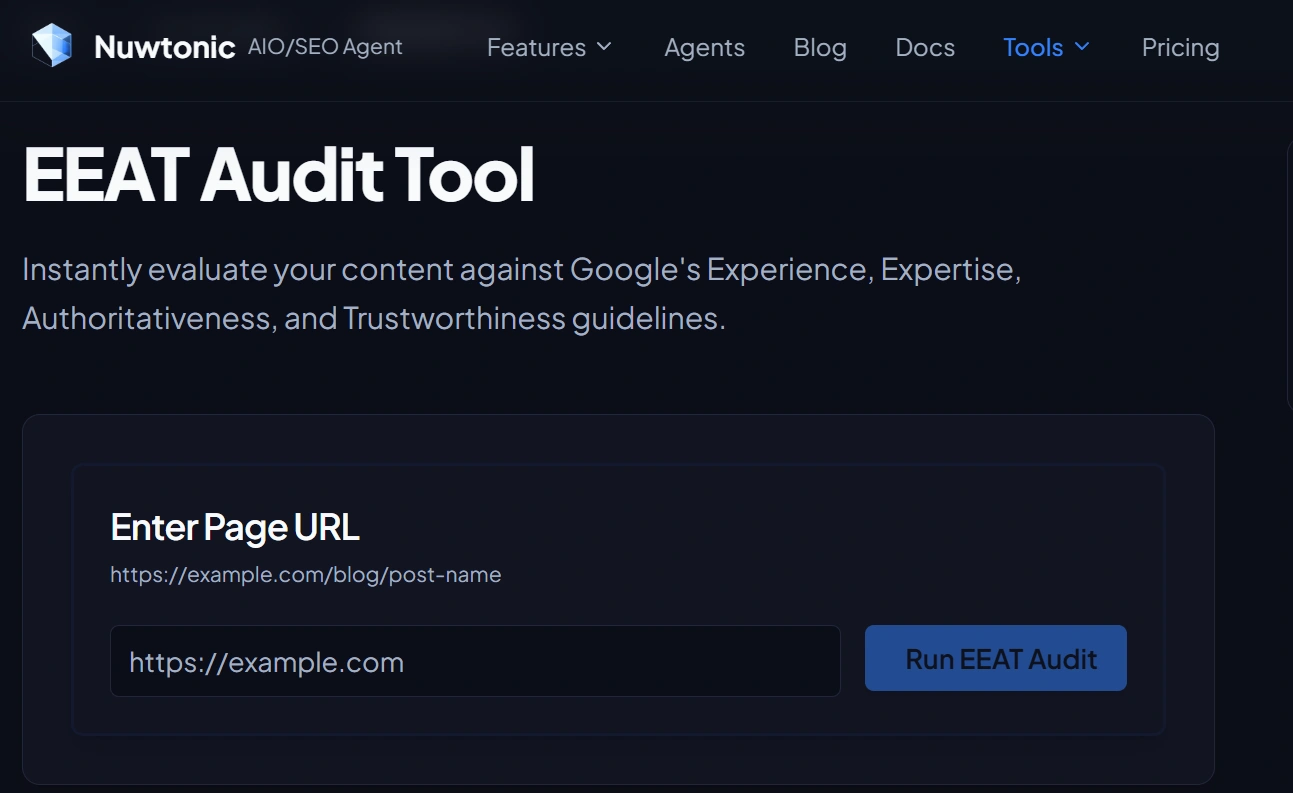
3. Nuwtonic E-E-A-T Audit Tool
Tool URL: https://nuwtonic.com/tools/eeat-audit
What it does
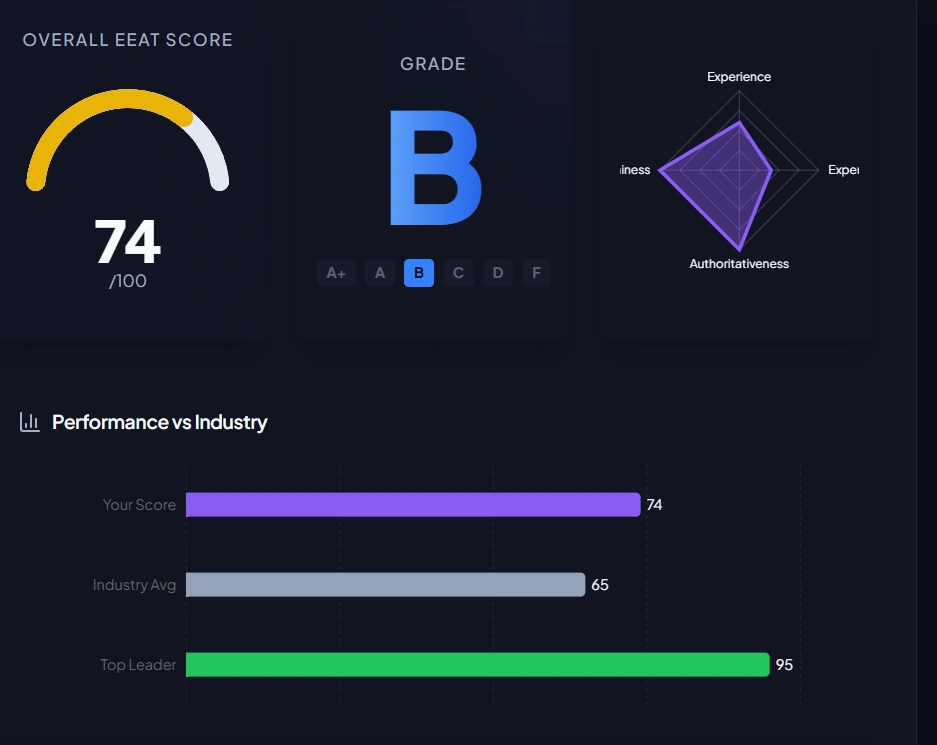
Nuwtonic is a clean, fast E-E-A-T audit tool that provides:
- Overall score + grade
- Benchmark-style comparison (score vs industry average / leader)
- Pillar-level checks (authorship, citations, schema, security, policies, etc.)
- Actionable recommendation blocks (“Quick wins” and “Strategy”)
What stood out in testing
- Presentable UI for stakeholders.
- The audit flags are useful, but there’s limited “evidence” detail to validate why a pass/fail occurred.
Pros
- Strong UI + benchmarking
- Actionable recommendations are easier to hand to a content/SEO team
- Good balance of page signals + some trust/site signals
Cons
- Limited “proof” detail for validation (why the tool concluded a signal exists or not)
Clutch Rating:
Not listed on Clutch
Tool Screenshots:
.webp)
4. Outline Ninja “Trust & E-E-A-T Checker” (Site checklist style)
Tool URL: https://outline.ninja/eeat-checker/
What it does
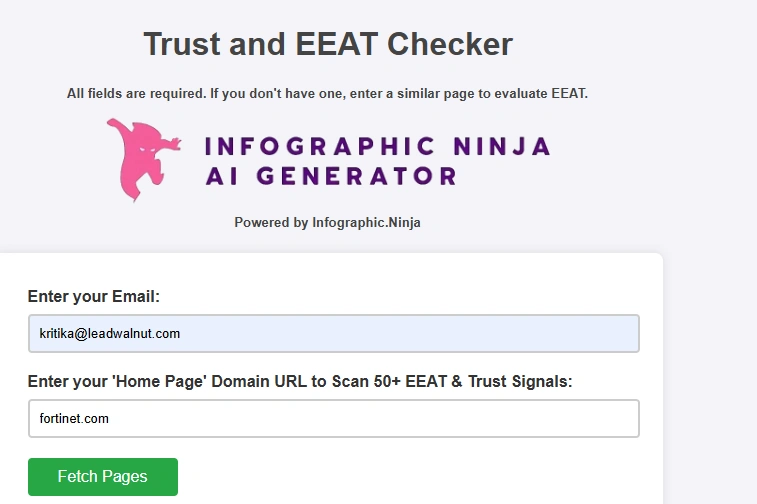
Outline Ninja functions like a site trust scanner: it requires an email + a domain and then scans multiple trust and E-E-A-T factors, outputting a pass/fail list.
Pros
- Great for surfacing site-level trust signals (policies, contact pages, security files, schema presence, about pages, etc.)
Cons
- Not truly page-level: content depth, freshness, stats quality, author credibility on the specific article may not be measured well.
Clutch Rating:
Not listed on Clutch
Tool Screenshots:
5. SEO Review Tools – Helpful Content Analysis
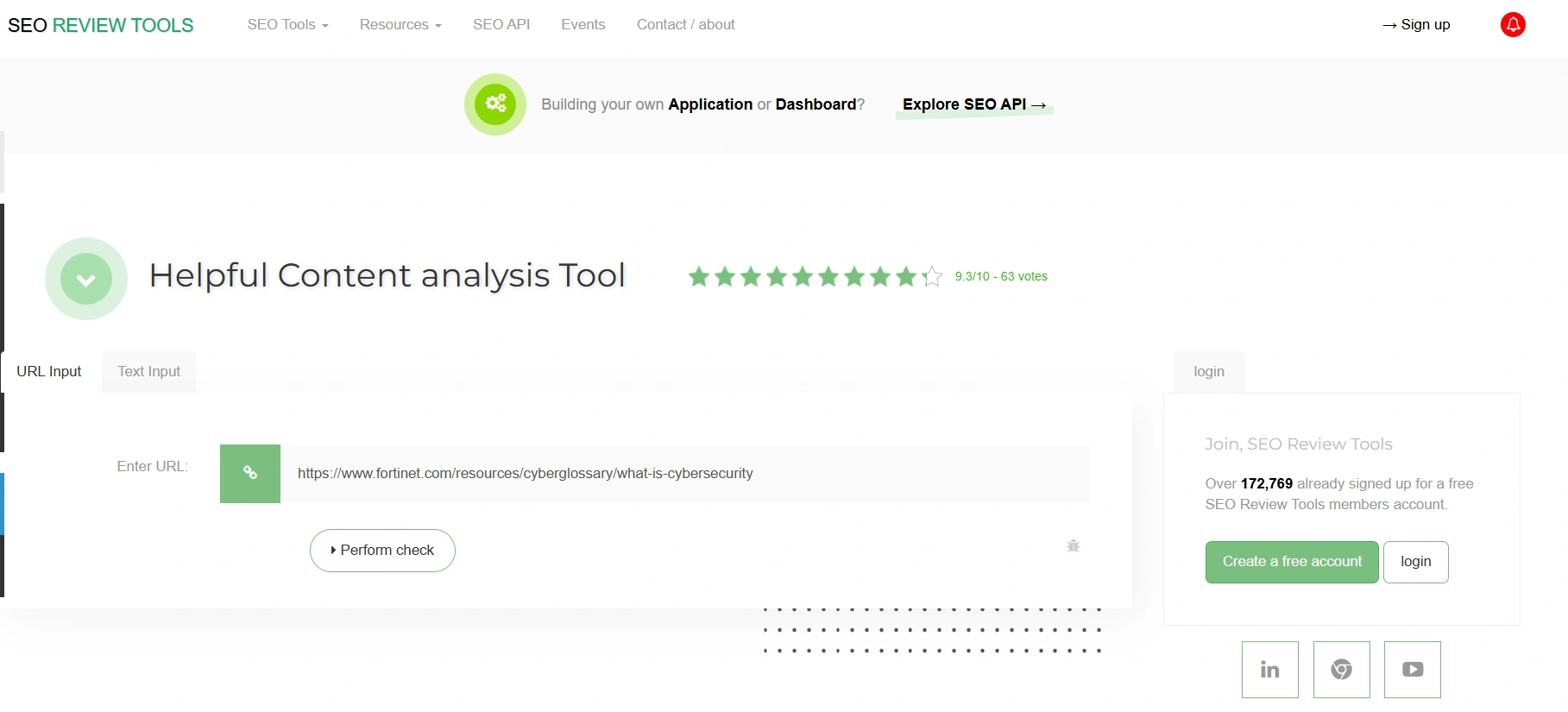
Tool URL: https://www.seoreviewtools.com/helpful-content-analysis-tool/
What it does
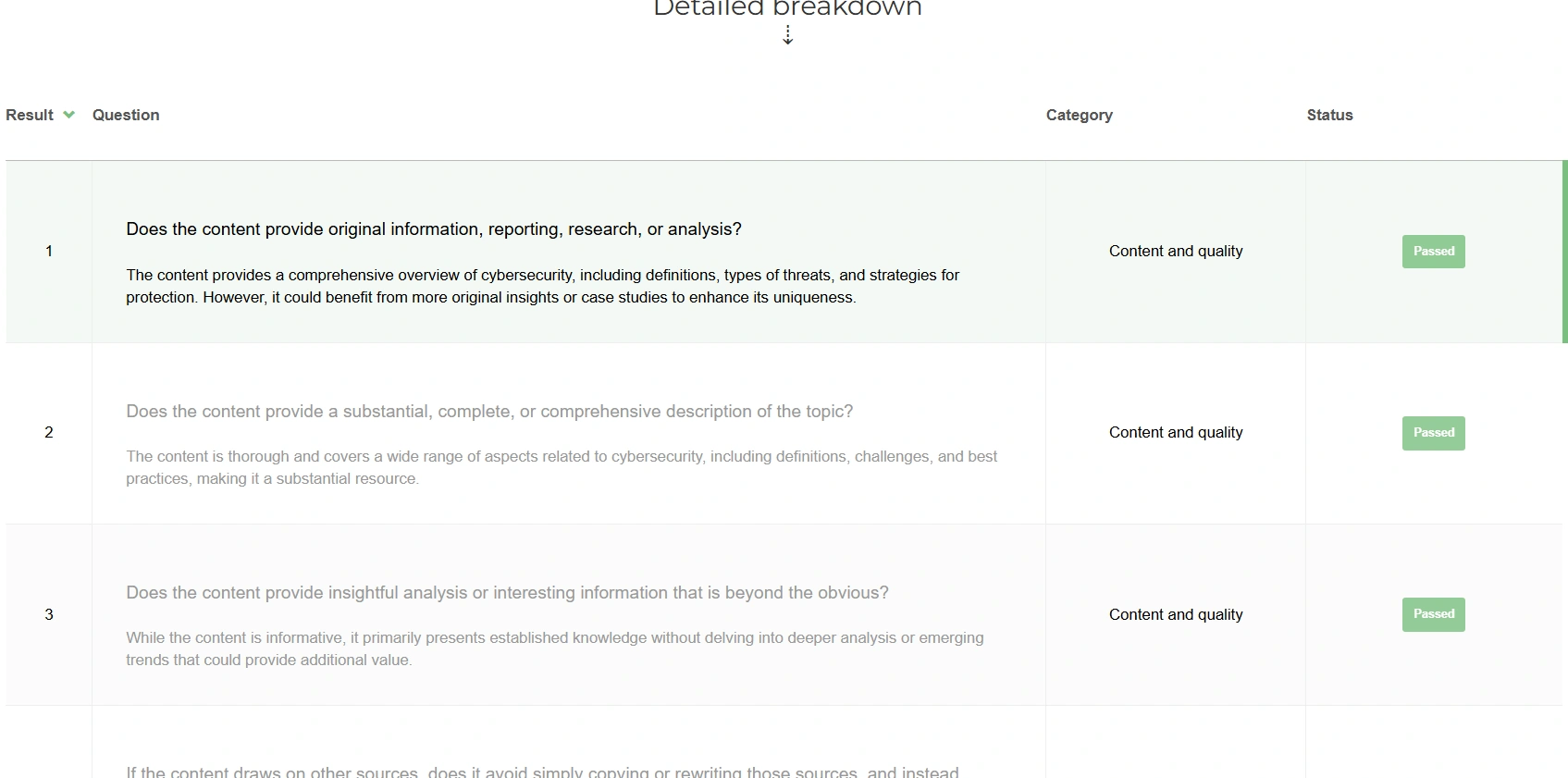
This tool scores content and shows a detailed breakdown of questions mapped to Google’s helpful content / quality concepts.
Pros
- Simple URL input and fast scoring
- Detailed question-level pass/fail breakdown
- Useful as a QA checklist for content updates
Cons
- “Expert-written/reviewed” can show as passed even without visible author proof
- No leadership-ready summary or prioritization
- Limited “what to fix” recommendations
Clutch Rating:
Not listed on Clutch
Tool Screenshots:
6:. Kia Ora Digital – E-E-A-T Content Checker
Tool URL: https://www.kiaora.digital/seo-tools/eeat-checker/
What it does
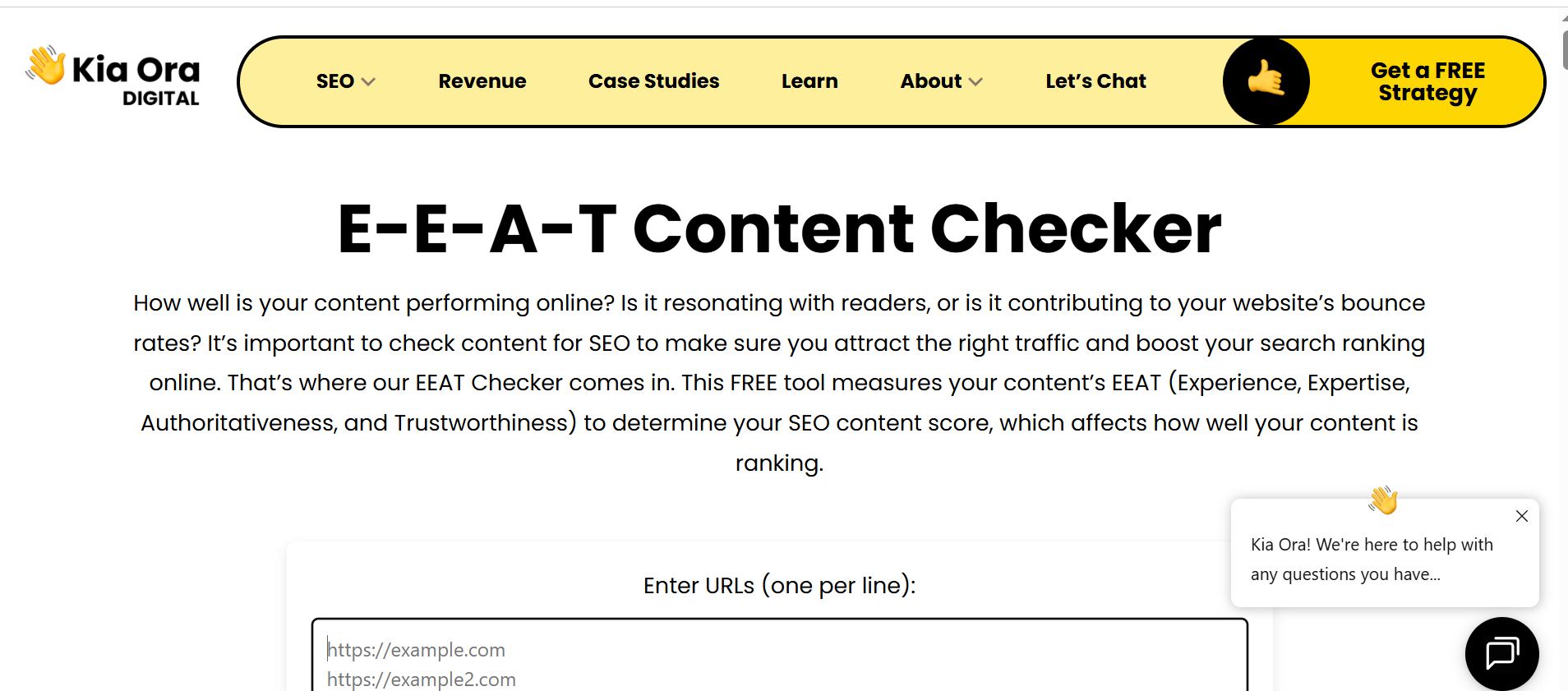
Allows multiple URLs and outputs a long-form report with scoring and recommendations.
Pros
- Covers multiple pages quickly (batch review)
- Helps spot repeated EEAT gaps across URLs
- Useful as a rough first-pass checklist
Cons
- Recommendations are broad and generic (limited specificity)
- Not leadership-presentable (dense, text-heavy formatting)
- Lacks clear evidence/traces for why a score was assigned
Clutch Rating:
7. Insites – Free E-E-A-T Audit
Tool URL: https://www.insites.com/resources/free-eeat-audit
What it does
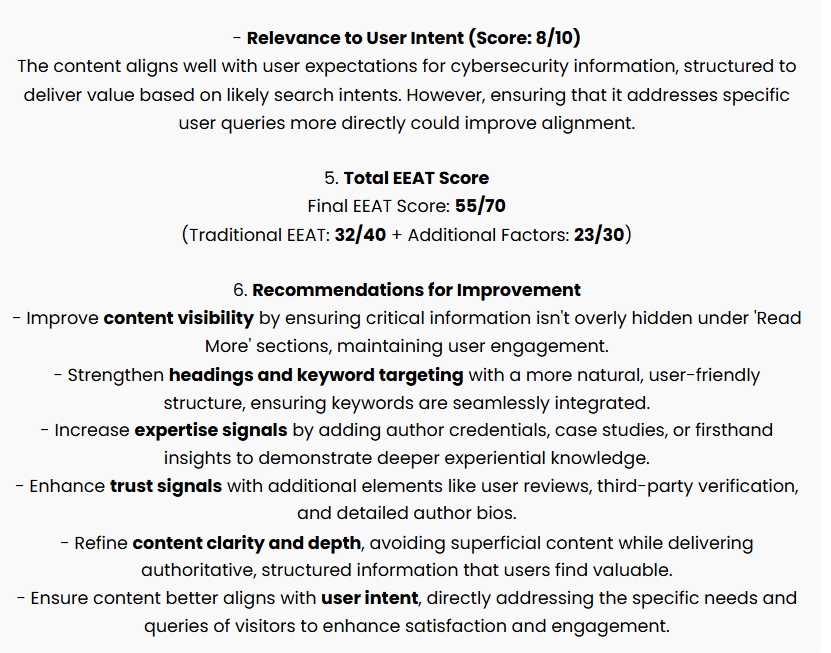
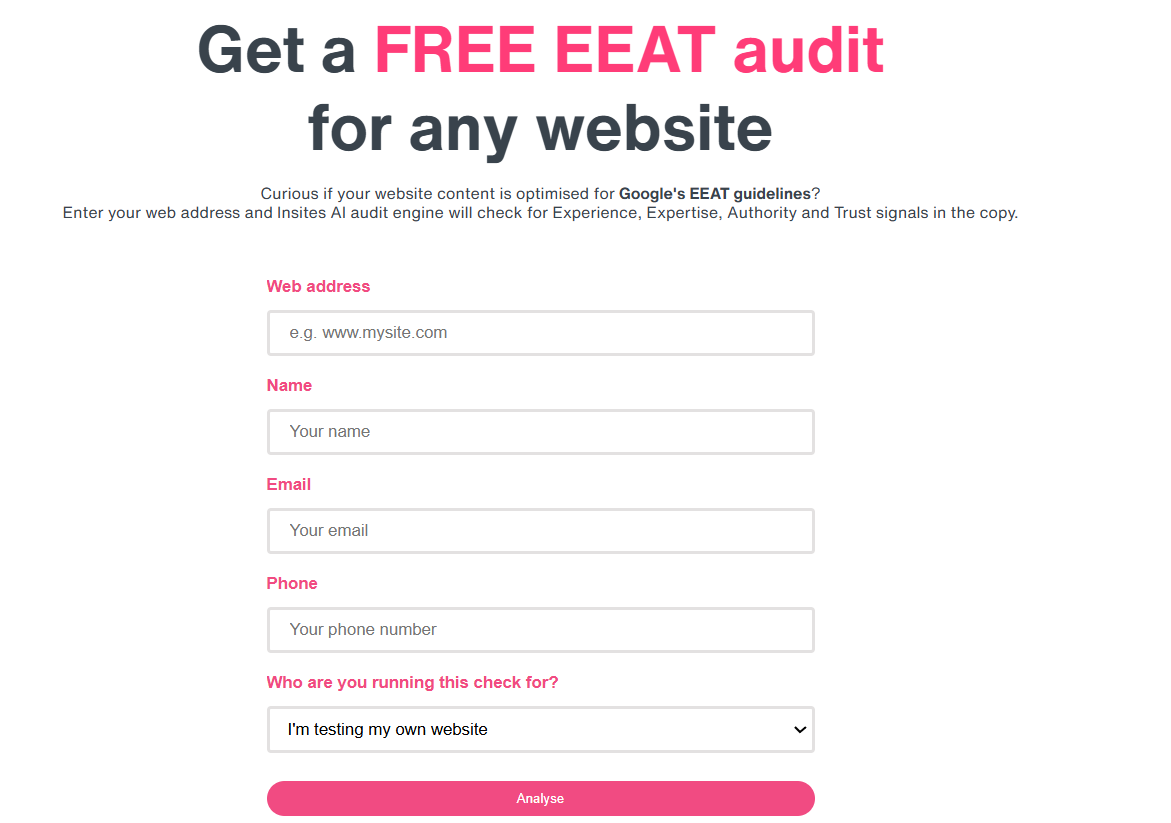
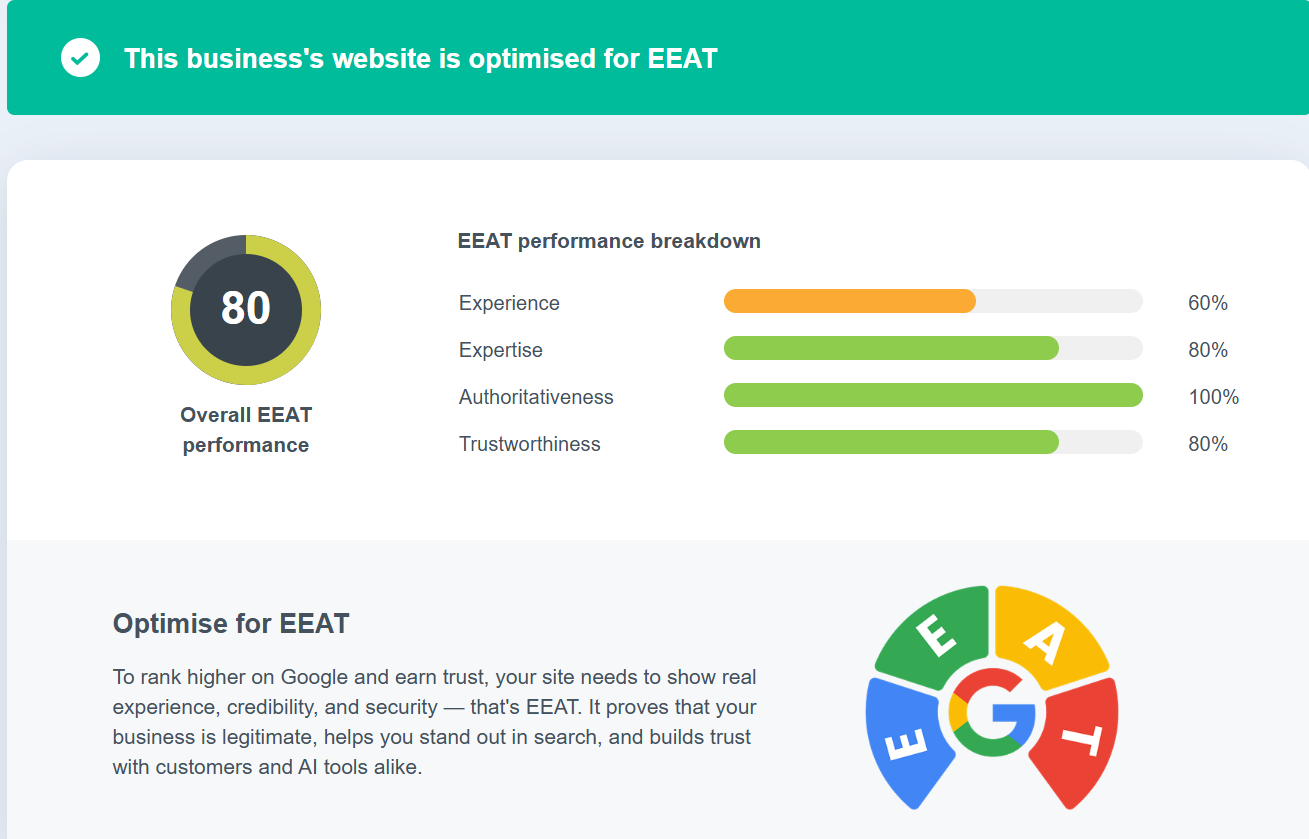
Captures user details (including phone) before returning a single E-E-A-T score and a brief, high-level suggestion—without showing the specific checks or evidence used.
Pros
- Fast score output once details are submitted
- Simple, lightweight audit flow
Cons
- Limited transparency (no clear checklist/evidence behind the score)
- Recommendations can be generic or misaligned with on-page reality
Clutch Rating:
Not listed on Clutch
Tool Screenshots:
8. Milestone – E-A-T Estimator (Manual input calculator)
Tool URL: https://www.milestoneinternet.com/eat-estimator
What it does
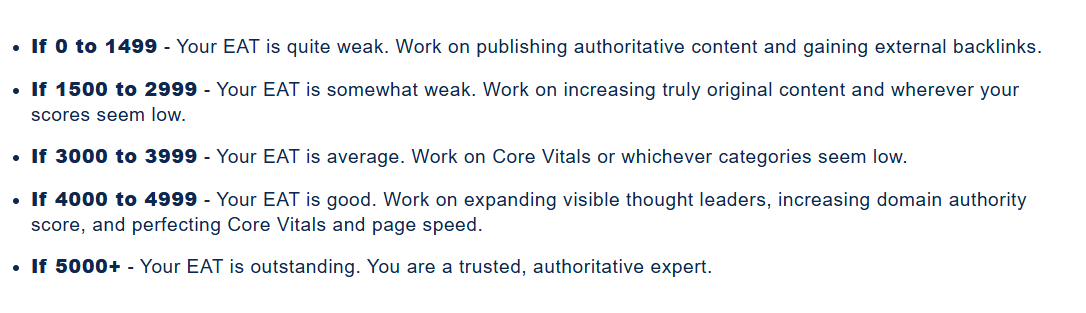
A manual input form across E-A-T pillars (e.g., number of thought leaders, page counts, backlinks, Core Vitals, bounce rate), then outputs a numeric score with text guidance.
Pros
- Helpful for a quick internal baseline using known metrics
- Simple output with a score range interpretation
Cons
- Requires manual inputs that are hard to gather quickly (analytics + content exports)
- No validation against the actual page/site (self-reported data)
- Limited improvement guidance (no specific, prioritized recommendations)
Clutch Rating:

9. WordsAtScale – E-E-A-T Score Estimator (Self-assessment)
Tool URL: https://wordsatscale.com/e-eat-score-estimator/
What it does
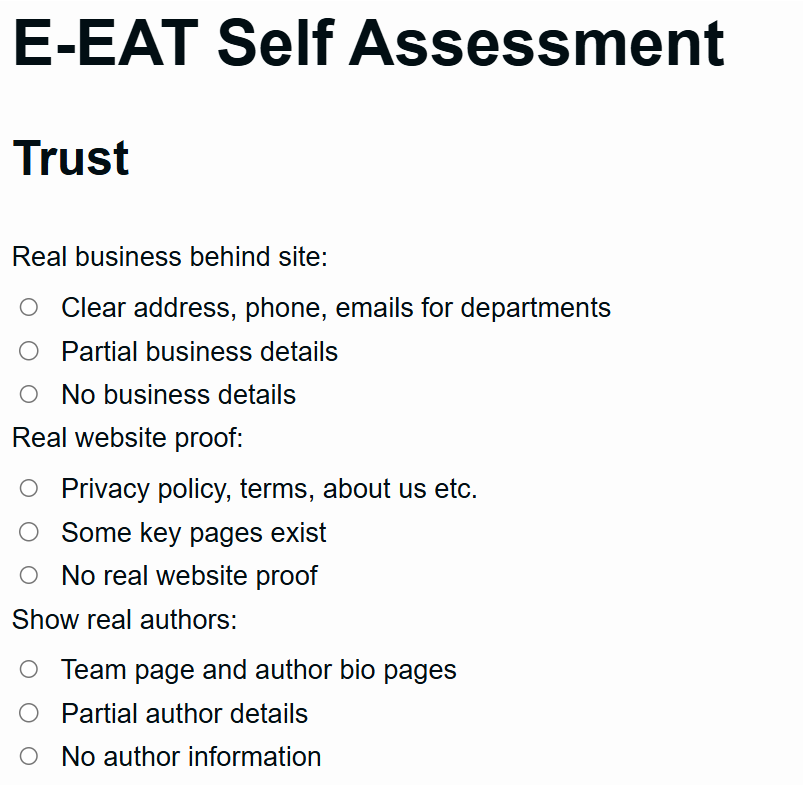
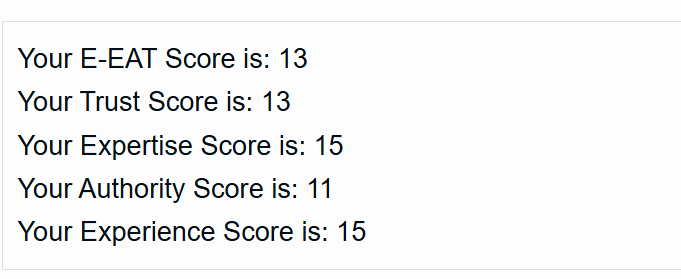
A questionnaire that relies on manual selections for each E-E-A-T pillar, then outputs pillar scores.
Pros
- Clear pillar-by-pillar questionnaire
- Helps teams think through E-E-A-T pillars and missing basics
Cons
- No crawling or validation (results depend on user inputs)
- Not audit-grade or leadership-presentable for reporting
- No page-level evidence or prioritized “what to fix” actions
Clutch Rating:
Not listed on Clutch
Tool Screenshots:
What to look for in an E-E-A-T calculator
A “good” E-E-A-T calculator should map closely to what Google encourages creators to improve:
- Helpful, reliable, people-first content principles
- Clear creator/site responsibility, reputation research, and E-E-A-T evaluation concepts
Minimum requirements checklist
- Score + pillar breakdown (not just one number)
- Evidence or detectable signals (author, schema, citations, freshness, policies)
- Actionable gaps with clear priority
- Shareable output (executive-ready summary, downloadable or email report.
Comparison table: Top E-E-A-T calculators at a glance
Recommended workflow for teams that want higher rankings and AI citations
To build stronger E-E-A-T signals (for Google rankings and AI visibility), a repeatable SEO strategy and implementation workflow works better than one-off scoring:
- Run an E-E-A-T calculator on priority pages (product pages + top traffic pages)
- Fix the fundamentals:
- Add author attribution + bio proof
- Add credible citations and references
- Add freshness indicators and update cadence
- Improve schema coverage where relevant
- Re-run after changes and track improvements monthly
This aligns directly with Google’s guidance on creating people-first, reliable content.
FAQ
Is there an “official” E-E-A-T score from Google?
No official public metric exists. E-E-A-T is a framework used in quality evaluation and reinforced through Google’s guidance for creators.
Why do E-E-A-T tools disagree with each other?
Different tools measure different things: some are page-only, others are site-wide; some detect structured data and policies, others rely on text heuristics or user inputs.
What’s the fastest free E-E-A-T calculator to start with?
For a quick, stakeholder-friendly score with a clear breakdown, LeadWalnut’s free checker is designed for fast URL-based analysis and leadership-style report output.



How can LeadWalnut help?

Related Articles

Which AI Writing Tools Earn a Citation in 2026?

How to Earn Citations from High-Authority Publications